Guide
How to send a note to your partner's Home Screen
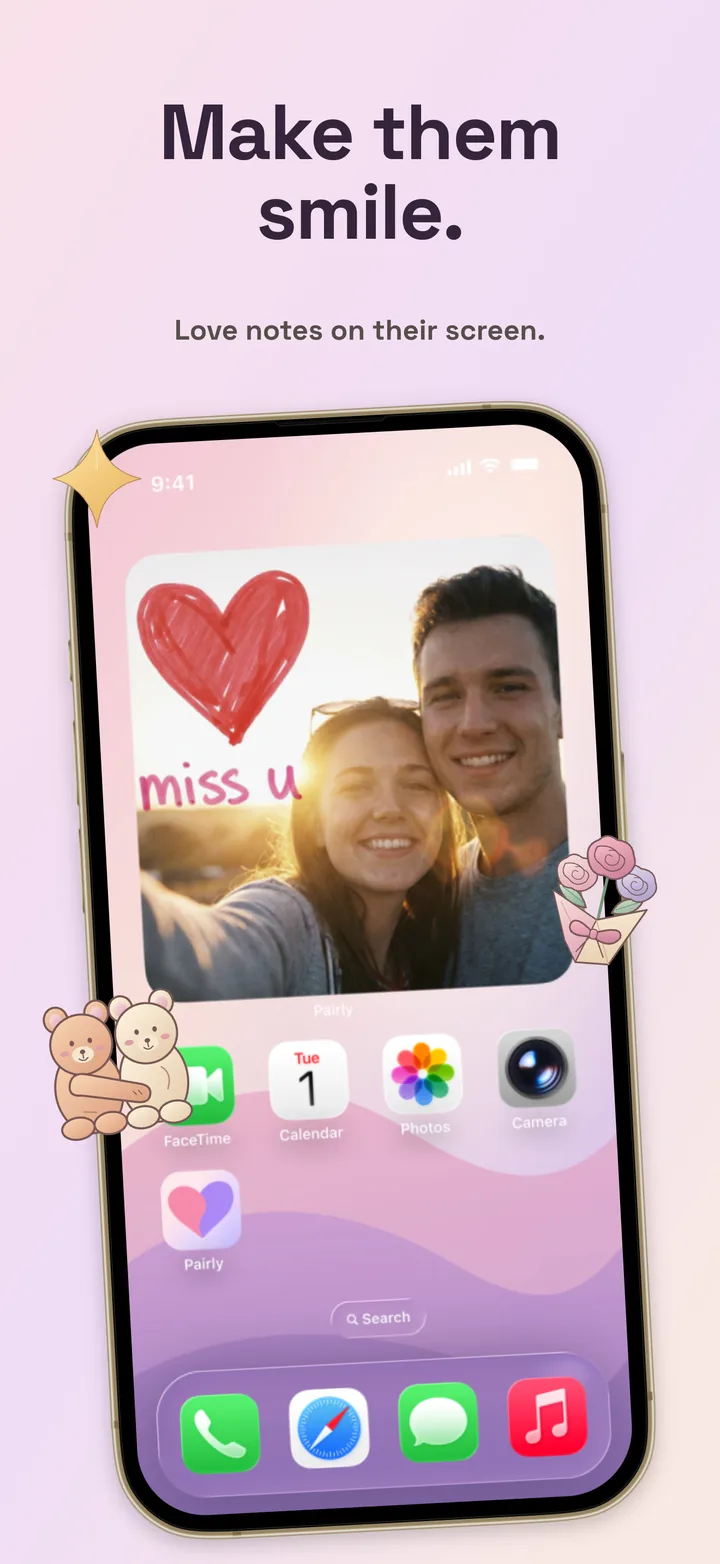
You can put a handwritten note, a doodle or a photo straight onto your partner's Home Screen with a couples widget. Here is how to set it up with Pairly in about two minutes, on iPhone or Android, and what to expect once it's running.
What you need
- Two phones: iPhone, Android, or one of each.
- Pairly installed on both. It's free to download.
- A minute on each phone to add the widget.
Step 1: Connect your two accounts
Install Pairly on both phones
Download it from the App Store or Google Play and create an account on each phone.
Send a private invite
One of you creates an invite in Pairly and shares the link, for example in your usual chat.
Accept it on the other phone
Your partner opens the link and accepts in Pairly. You're now linked; Pairly connects exactly two people.
Step 2: Add the Pairly widget
Each partner adds the widget on their own phone. It shows the latest note from the other person.
On iPhone
Touch and hold an empty area of the Home Screen until the apps jiggle, tap Edit or the + button, search for Pairly, choose a size and tap Add Widget.
On Android
Touch and hold an empty area of the Home Screen, tap Widgets, find Pairly, then drag the widget to where you want it. Menus vary slightly by phone maker.
Step 3: Send your first note
Open Pairly and draw, write or pick a photo, then send it. It appears in your partner's app and on their widget. Small things work best: a doodle of your coffee, "good luck today", a photo of the sunset you're looking at.
Why didn't the widget update right away?
iOS and Android decide when widgets refresh. Battery saver, Low Power Mode, background restrictions and network access can all delay an update. The note is still delivered: opening Pairly shows it immediately. If updates are often late on Android, check that Pairly isn't restricted in the phone's battery settings.
Is it private?
Notes go only to your linked partner; there are no public profiles or feeds. Once both phones have set up their encryption keys, the notes and photos you send are end-to-end encrypted, so only your two phones can open them. Keep in mind that a widget is visible to anyone who looks at the phone, so choose what you send accordingly.
Frequently asked questions
Is it free to send notes to my partner's widget?
Yes. Pairly is free to download, and free accounts can send one note a day. Pairly Pro removes that limit and adds Scratch to Reveal and Time Capsule; one Pro subscription covers both partners.
Can I send a note from iPhone to Android?
Yes. Pairly works between iPhone and Android in both directions. See the iPhone and Android guide for details.
Can I have more than one partner connected?
No. Pairly links exactly two accounts.
A little surprise for your person
Pairly is free to download on iPhone and Android, with usage limits and optional Pro. One Pro subscription covers both partners. Pricing details