


Love notes on their home screen
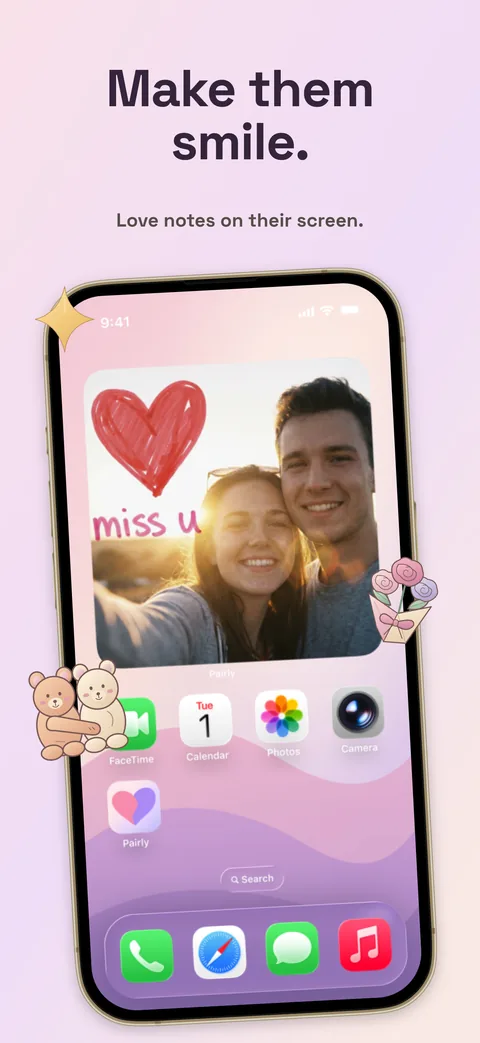
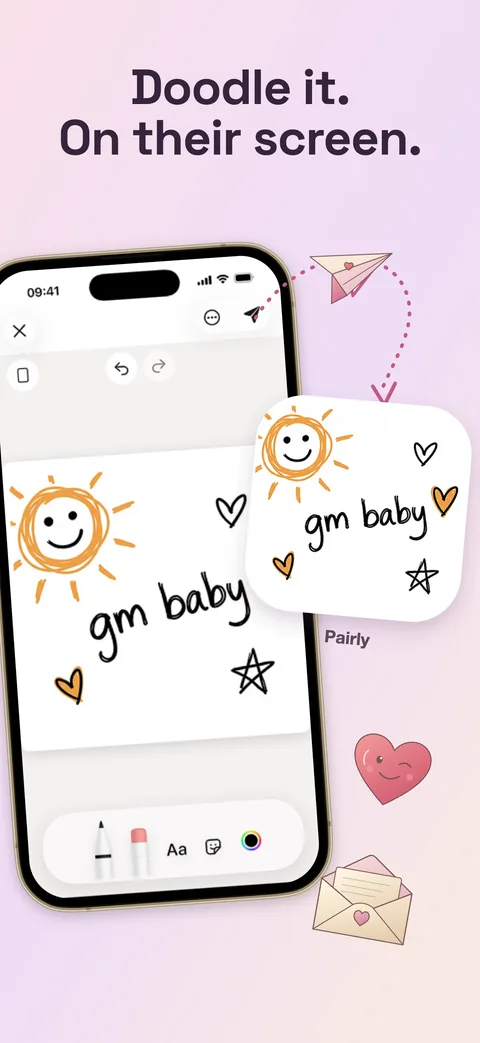
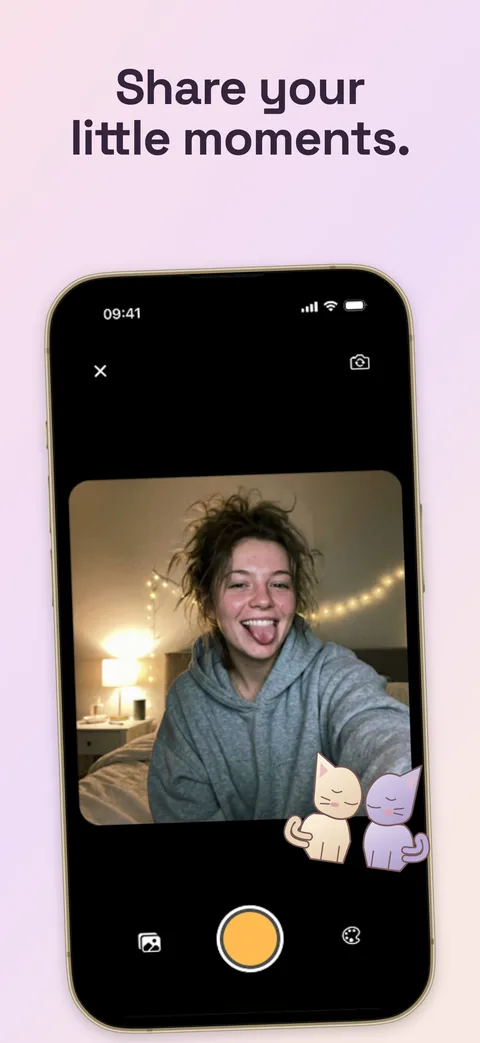
Send a handwritten note, a silly doodle, or a photo to your partner's Pairly widget. Your latest shared moment stays close at hand.
 Pairly
Widget for Couples
Pairly is a couples widget for sharing love notes, drawings, and photos on your partner's home screen. Send a little piece of your day, even when you're apart.


For iPhone and Android. Lock Screen Live Canvas uses Live Activities on supported iPhones.
Two phones, one shared space. Start with a small hello.
Download Pairly on both phones, then connect with a private partner invite link.
Add the Pairly widget from your phone's home screen widget gallery.
Share a note, drawing, or photo. Widget refresh timing depends on your phone's operating system.
A love note before work, a doodle from the train, a photo that says “thinking of you.” Keep those moments in a space for two.
Send a handwritten note, a silly doodle, or a photo to your partner's Pairly widget. Your latest shared moment stays close at hand.
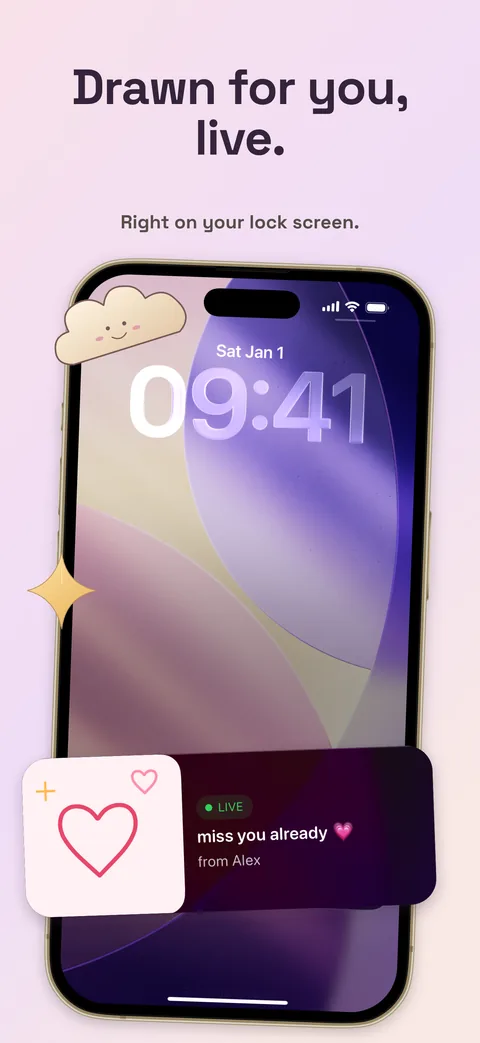
Draw together in Live Canvas. On supported iPhones, a Live Activity lets you follow the drawing on your Lock Screen. Availability and updates depend on iOS.
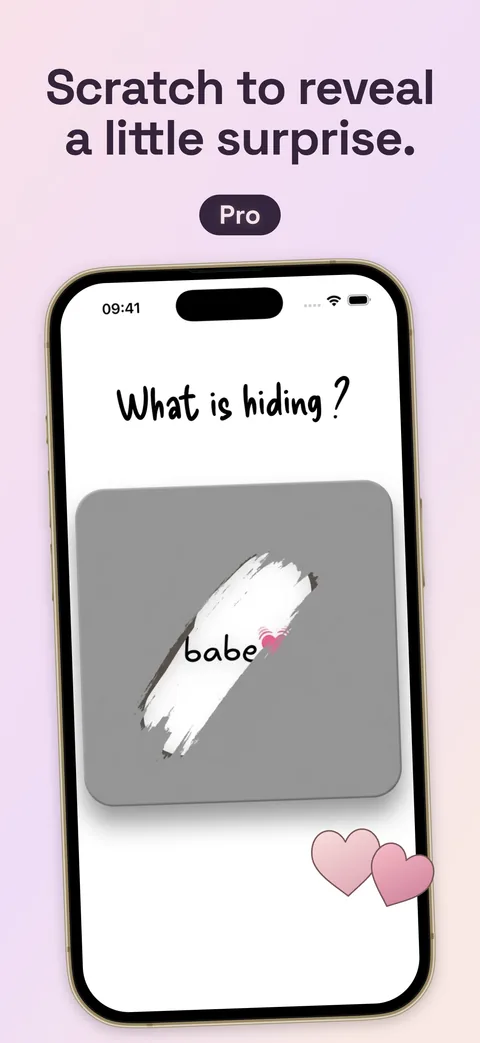
Hide a note or photo beneath a scratch layer. Your partner opens it in Pairly and uncovers the surprise with a fingertip.
Write a note now and choose a time for it to unlock. Save it for a birthday, your anniversary, or a little surprise tomorrow.
When one partner has an active Pairly Pro subscription, both connected accounts get Pro access. One subscription, shared moments.
Notes and photos are end-to-end encrypted once both phones have set up their keys, so only the two of you can open them.
Setting up the widget, ideas for staying close, and how Pairly compares.
How it works, what's free, and what to expect on each phone.
Pairly is a couples widget app for iPhone and Android. It connects you with one partner so you can share handwritten notes, drawings, and photos on each other's home screens. Live Canvas lets you draw together in the app, with a Lock Screen Live Activity on supported iPhones.
Install Pairly on both phones and connect using a private invite link. Each partner adds the Pairly widget to their home screen. Send a note, drawing, or photo in Pairly to share it with your partner. Your phone's operating system controls when the widget refreshes.
Yes. Partners can share notes, drawings, and photos between iPhone and Android, and both platforms have home screen widgets. Lock Screen Live Canvas uses Apple's Live Activities on supported iPhones. Android does not offer that same Lock Screen experience.
Pairly is free to download. Free accounts can send one note per day and start two Live Canvas sessions in total. Optional Pairly Pro removes those limits and adds Scratch to Reveal and Time Capsule. Current prices and purchase terms appear in the app before you pay.
No. One active Pairly Pro subscription shares Pro access with your connected partner at no extra cost. Shared access lasts while the subscription is active.
No. Pairly is designed for you and your connected partner. Your notes and photos are not public posts, and there is no social feed or follower list. See the Privacy Policy for how Pairly handles your data.
Yes, once both of your phones have set up their encryption keys. This happens automatically after you link; a new phone needs your partner's approval. From then on, the notes and photos you send are encrypted on your phone and can only be opened on your two phones. Images sent before the keys are ready and Live Canvas live drawings are not end-to-end encrypted. Anything shown on a widget or the Lock Screen can be seen by someone looking at your phone.
Widget refresh timing is managed by iOS or Android and can vary with network access, background activity, and battery settings. Open Pairly to check for the latest note. A home screen widget is not the same as an iPhone Live Activity, and instant refresh is not guaranteed.
For iPhone and Android. Lock Screen Live Canvas uses Live Activities on supported iPhones.