Guide
How to draw on your partner's Lock Screen
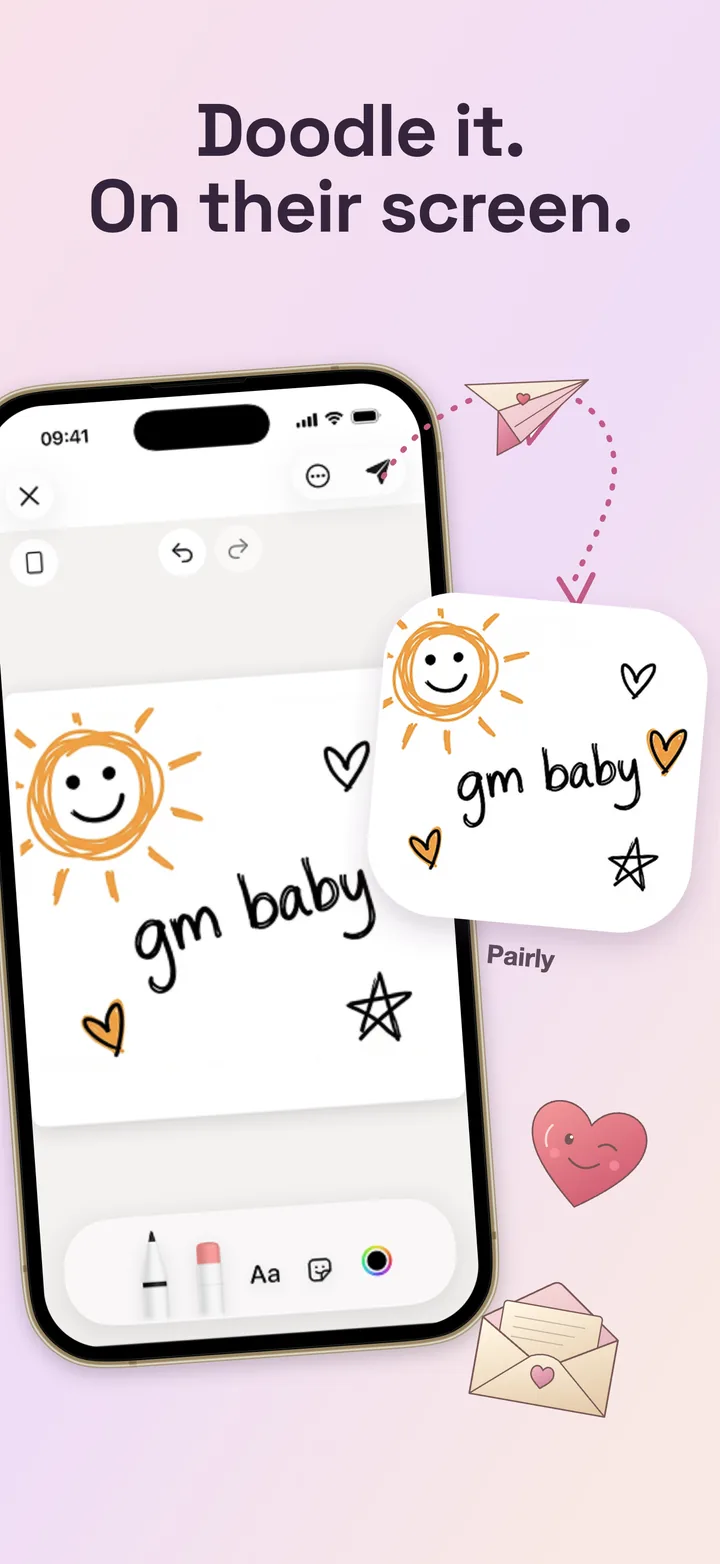
With Pairly's Live Canvas, you and your partner draw on the same canvas at the same time. On iPhone, your partner can also watch the drawing appear on their Lock Screen through a Live Activity, without unlocking the phone. Here's how it works and what it can and can't do.
What Live Canvas is
Live Canvas is a live drawing session between two linked partners. Each stroke one of you draws shows up for the other in real time. It's different from a Home Screen note: a note is a finished drawing you send, while Live Canvas is drawing together, live.
How to start a Live Canvas session
Link with your partner
Both of you need Pairly and a linked account. See how to connect if you haven't yet.
Allow Live Activities on iPhone
Live Activities are on by default for most apps. If you turned them off, go to Settings › Pairly and enable Live Activities.
Start Live Canvas in Pairly
Open Pairly and start a Live Canvas session. On iPhone, the Live Activity can appear on your partner's Lock Screen automatically; on Android, they get an invite notification to join.
Draw
Draw in the app. On your partner's iPhone, the Live Activity shows the drawing on the Lock Screen while the session is active.
What to expect
- iPhone only for the Lock Screen view. Live Activities are an Apple feature. On Android, you draw together in the app, but there is no identical Lock Screen view.
- Only during an active session. The Lock Screen view isn't a permanent wallpaper; it appears while a session is running.
- Timing depends on iOS. Connection quality, Focus modes, Low Power Mode and system limits affect how often the Live Activity updates.
- Free accounts get two Live Canvas sessions in total. Pairly Pro removes that limit, and one subscription covers both partners.
Ideas for a first session
- Draw each other from memory, then compare.
- Start a picture and take turns adding one thing each.
- Draw the view from where you are right now.
- Play a quick round of tic-tac-toe.
Frequently asked questions
Can I change my partner's Lock Screen wallpaper?
No. Pairly doesn't change wallpapers. On iPhone, a Live Canvas session can appear on the Lock Screen as a Live Activity while it is active.
Does this work on Android?
You can draw together in Live Canvas on Android, and share notes on the Home Screen widget. The Lock Screen Live Activity is an iPhone feature.
Are Live Canvas drawings end-to-end encrypted?
Live Canvas live images are not end-to-end encrypted. Notes and photos you send are end-to-end encrypted once both phones have set up their encryption keys.
A little surprise for your person
Pairly is free to download on iPhone and Android, with usage limits and optional Pro. One Pro subscription covers both partners. Pricing details